
Introduction
BreakoutImage breaks landscape photos out of the article column — edge-to-edge full, guttered wide, or contained within the content width. Use it in MDX posts and project pages for hero shots, section dividers, and visual emphasis.
BreakoutImage 让横向照片突破文章栏宽度——贴边 full、留缝 wide、或 contained 对齐正文。在 MDX 中请用同目录的 ./ 路径,组件会通过 Astro 图片管线生成 WebP 和响应式 srcset。
Component path: src/components/BreakoutImage.astro
Demo images in this post live alongside the MDX file:
本篇演示图与 MDX 同目录:
| File | Used for |
|---|---|
./breakout-full.jpg | layout="full" |
./breakout-wide.jpg | layout="wide" |
./breakout-contained.jpg | layout="contained" |
./breakout-sample.jpg | Comparison section |
Quick Start
import BreakoutImage from '@components/BreakoutImage.astro'

<BreakoutImage
  src="./breakout-full.jpg"
  alt="Mountain landscape at sunset"
  layout="full"
/>
Use ./ co-located paths — not legacy /posts/post-image-*.jpg public URLs. Relative paths resolve to ImageMetadata, enabling Sharp optimization and reliable dev loading.
请使用 ./ 同域路径——不要用旧的 /posts/post-image-*.jpg public URL。相对路径解析为 ImageMetadata,启用 Sharp 优化并在 dev 下可靠加载。
See Asset Co-Location Guide for the full image workflow.
Layout Modes
Three modes via data-layout on the container:
layout | Width behavior | Corners |
|---|---|---|
full (default) | Breaks to viewport edges | Sharp (no radius) |
wide | Breaks with ~1rem side gap | Rounded (--radius-media) |
contained | Aligns to content max-width | Rounded |
TOC sidebar (≥768px): all three modes collapse to column width inside .article-content--with-toc — breakout does not overflow the main column when a sidebar TOC is visible.
TOC 侧栏(≥768px): 在 .article-content--with-toc 内三种模式均收拢为主栏宽度——有侧栏 TOC 时不会溢出。
Full

<BreakoutImage
  src="./breakout-full.jpg"
  alt="Full width landscape"
  layout="full"
/>
Wide
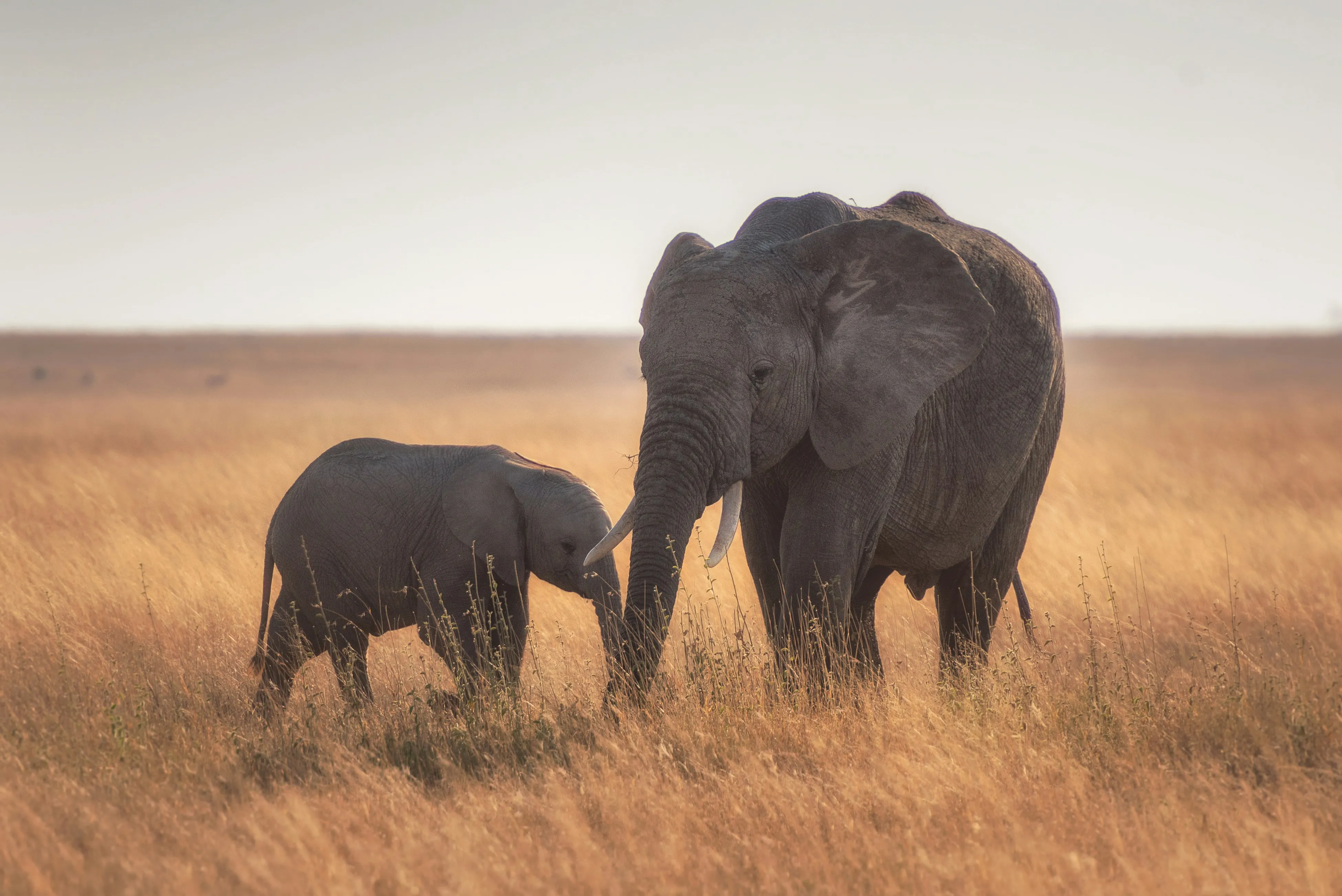
<BreakoutImage
  src="./breakout-wide.jpg"
  alt="Wide layout landscape"
  layout="wide"
/>
Contained
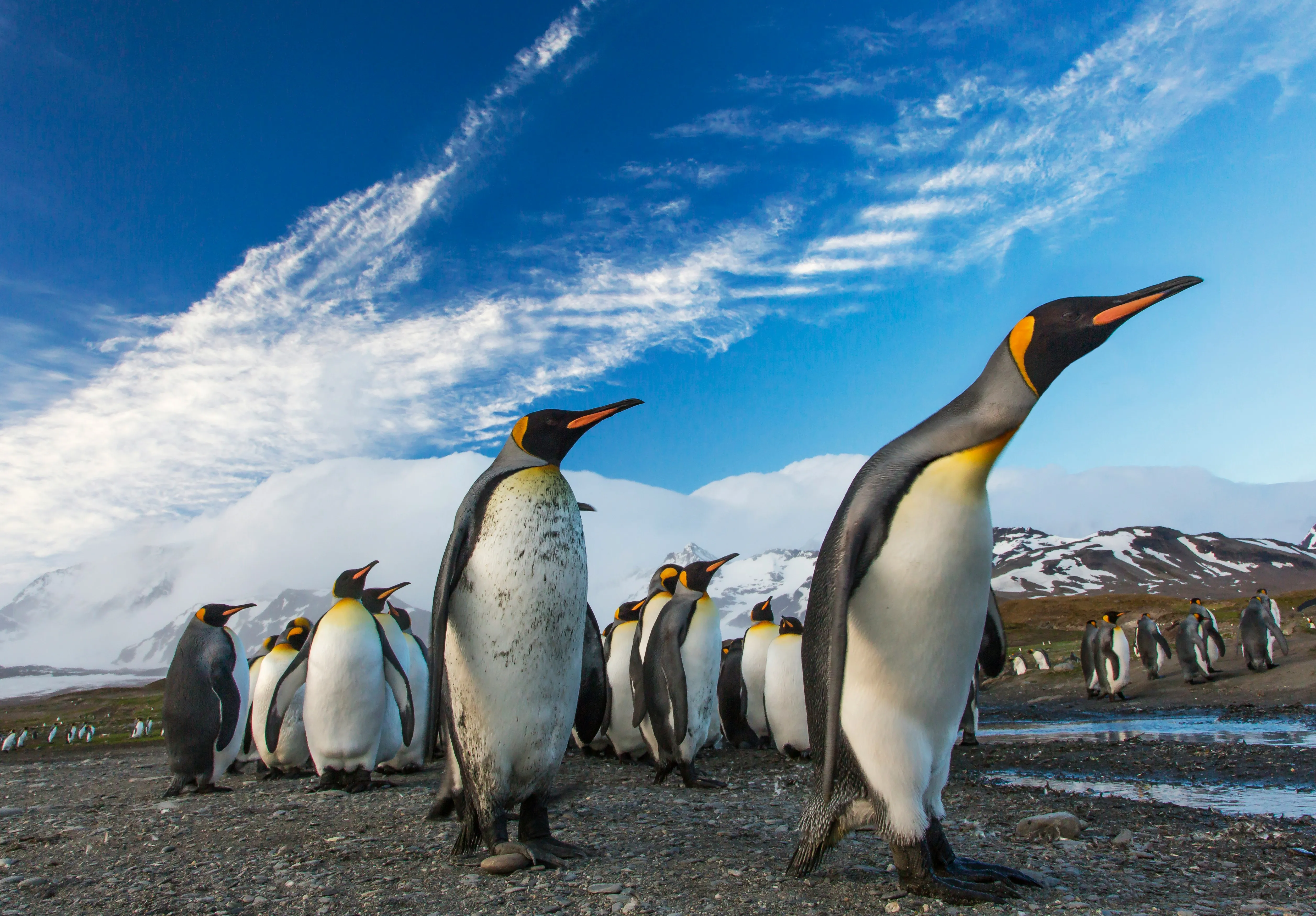
<BreakoutImage
  src="./breakout-contained.jpg"
  alt="Contained landscape"
  layout="contained"
/>
Parameters
| Prop | Type | Default | Description |
|---|---|---|---|
src | string | ImageMetadata | (required) | ./photo.jpg, @assets/…, or imported metadata |
layout | 'full' | 'wide' | 'contained' | 'full' | Breakout width mode |
alt | string | '' | Required unless decorative |
decorative | boolean | — | Set true for purely decorative images (forces alt="") |
fullWidth | boolean | — | Deprecated — true → full, false → contained |
src — co-located paths
<!-- Recommended: co-located in the same folder as index.mdx -->
<BreakoutImage src="./breakout-full.jpg" alt="..." />

<!-- Also works: imported ImageMetadata -->
---
import hero from './breakout-full.jpg'
---
<BreakoutImage src={hero} alt="..." />
BreakoutImage resolves ./ paths via an eager glob on src/content/** — matched by filename. Use unique filenames per post folder to avoid collisions.
通过 src/content/** 的 eager glob 按文件名匹配 ./ 路径。每个文章目录请使用唯一文件名,避免冲突。
Decorative images
<BreakoutImage src="./breakout-sample.jpg" decorative />TypeScript enforces: either alt or decorative: true, not both.
Image Pipeline
When src resolves to ImageMetadata (co-located ./ paths):
当 src 解析为 ImageMetadata(./ 同域路径)时:
- Sharp WebP conversion at build time
- Responsive srcset at
[560, 840, 1120, 1400, 1680]w - Dominant-color placeholder while loading, fading to transparent on load
- Real aspect ratio from image dimensions (fallback
8:5for unknown public strings)
Plain /posts/… string paths skip srcset and use a plain <img> — prefer ./ for demos and production content.
纯 /posts/… 字符串路径跳过 srcset,使用普通 <img>——演示和生产内容请优先用 ./。
Visual Comparison
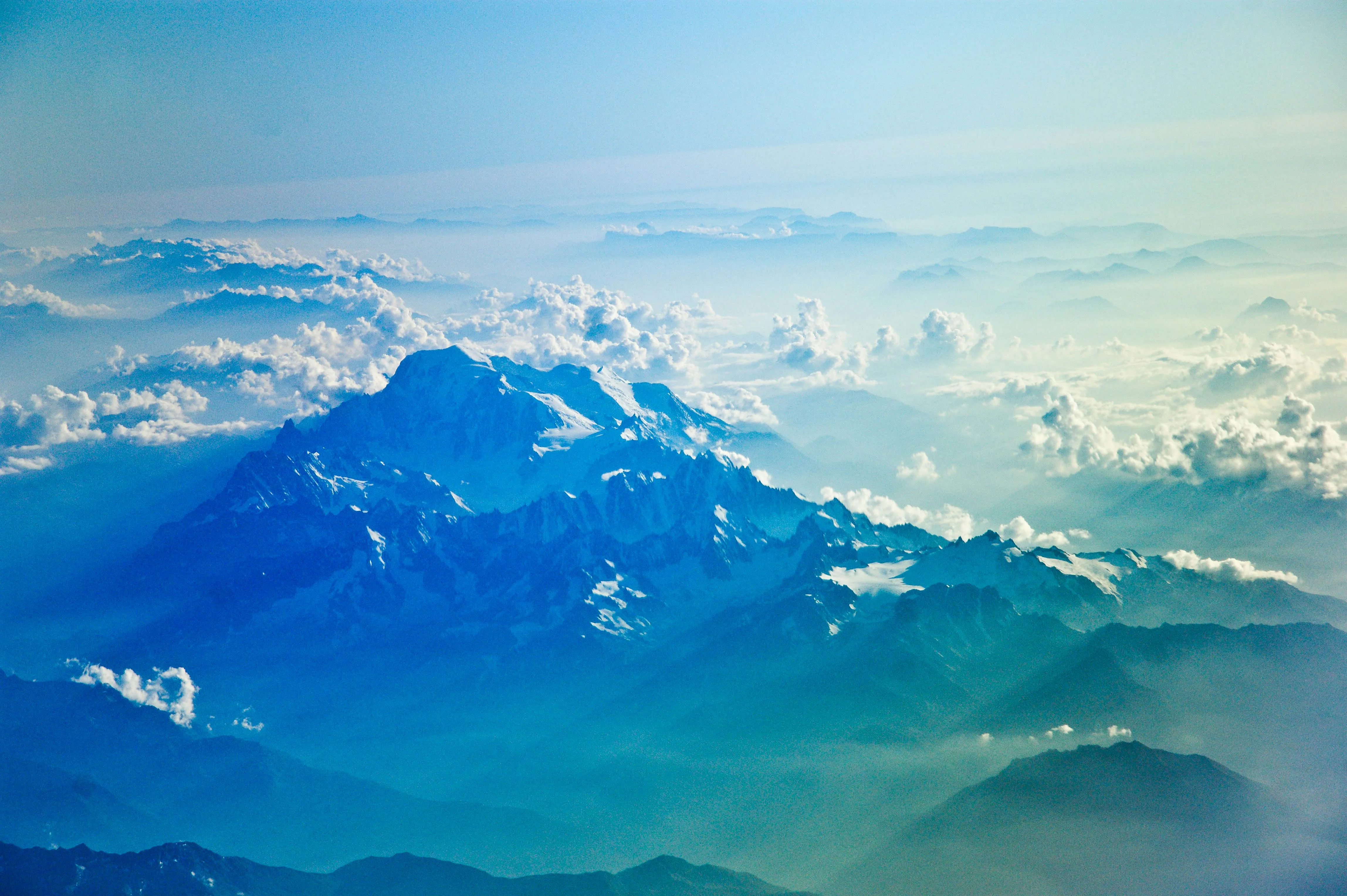
Same photo, three layouts:
同一张照片,三种布局:
Full
Wide
Contained
Runtime Behavior
| Concern | Implementation |
|---|---|
| Viewport width | --viewport-width from documentElement.clientWidth (fixes 100vw scrollbar offset) |
| Progressive reveal | opacity-0 → fade in on load; enforceBreakoutStatus() handles cached/304 images |
| View transitions | Hooks: astro:page-load, astro:after-swap |
| Dev HMR | MutationObserver prevents stuck opacity-0 after hot reload |
| Shadow | Inner shadow-inner overlay for depth |
Accessibility
| Feature | Behavior |
|---|---|
| Alt text | Required for meaningful images |
decorative | Sets alt="" for purely visual images |
| Semantic wrapper | Container div with meaningful alt on the image element |
Tips
Always
./in MDX — co-locate demo images in the post folder; runcopy-imagesonly needed for frontmatter covers, not BreakoutImageUnique filenames — glob matches by basename; avoid generic names like
photo.jpgacross postsLandscape photos work best — component assumes horizontal hero shots
Mix layouts —
fullfor key moments,containedfor inline supportEnable TOC carefully — breakout width resets inside TOC layout on desktop
MDX 中始终用
./— 演示图放在文章目录;copy-images仅 frontmatter 封面需要,BreakoutImage 不需要文件名唯一 — glob 按 basename 匹配;避免多篇文章共用
photo.jpg横向照片最佳 — 组件面向横向主视觉
混合布局 — 关键时刻用
full,辅助图用containedTOC 注意 — 桌面端 TOC 模式下 breakout 宽度会收拢
Troubleshooting
Images invisible (opacity stays 0)
Usually caused by public path strings (/posts/post-image-1.jpg) missing metadata or cache blocking onload. Fix: switch to ./co-located.jpg.
通常因 public 路径字符串缺少 metadata 或缓存阻止 onload。修复:改用 ./同域.jpg。
Wrong image appears for ./ path
Another post uses the same filename. Rename to a unique name (e.g. breakout-full.jpg).
其他文章使用了相同文件名。重命名为唯一名称(如 breakout-full.jpg)。
Breakout misaligned horizontally
Hard-refresh after resize — --viewport-width updates on resize and page load.
resize 后硬刷新——--viewport-width 在 resize 和 page load 时更新。
Conclusion
BreakoutImage adds editorial layout control to MDX: three width modes, co-located ./ paths, WebP srcset, and progressive loading. Keep demo assets in the post folder, use descriptive filenames, and prefer ./ over legacy public URLs for reliable rendering in dev and production.
BreakoutImage 为 MDX 提供版面控制:三种宽度模式、./ 同域路径、WebP srcset 和渐进加载。演示资源放在文章目录、使用描述性文件名、用 ./ 替代 legacy public URL,dev 和生产环境均可可靠渲染。
Share this post
Like this post? Share it with your network!